



MAXIMIZE YOUR REFUND REMARKABLE RESULTS
START HERE!

Professional Services
*
Professional Services *


Get in Touch
*
Get in Touch *
REMARKABLE TAX SERVICES
Your tax season, made simpler.
Personalized virtual tax preparation for individuals, families, self-employed clients, and small businesses. We help you organize your information, review your return, and understand your next steps.
Start Your Taxes Call 281-247-0532
FILE FROM YOUR PHONE
Download Our TaxesToGo Mobile App
Get started with Remarkable Tax Services from your phone. Use our TaxesToGo app link to download the app, photograph your tax documents, and upload them for our team to review.
Download TaxesToGo / Upload Documents
- Open our app link and follow the download instructions.
- Create or sign in to your TaxesToGo account and follow the prompts to upload your documents.
- Complete our client intake form, select your tax preparer, and confirm your submission with your preparer.
Choose your preparer and complete intake
Send sensitive tax documents through the designated app upload process. Do not send Social Security numbers or banking information through general contact forms or email.
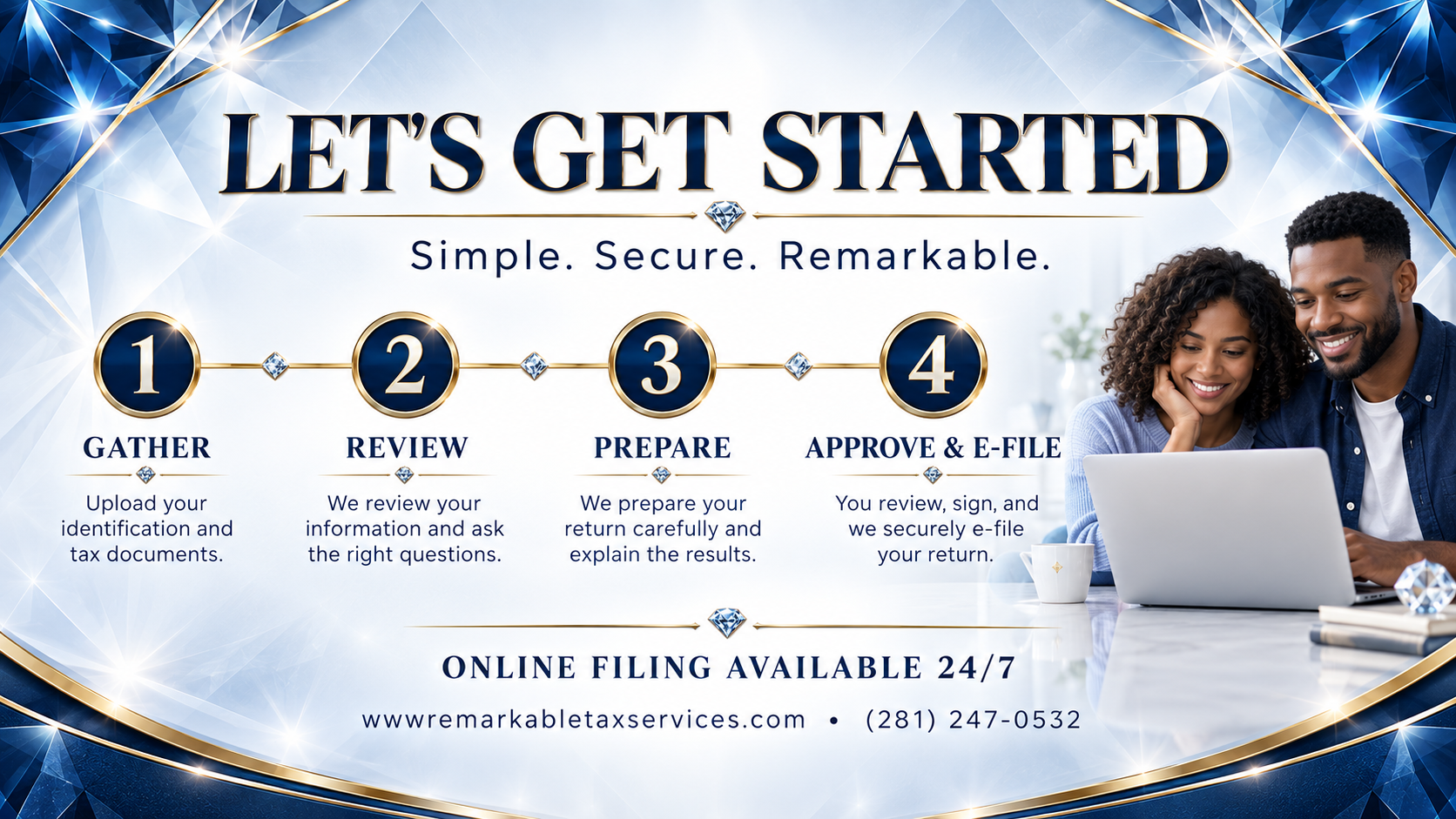
How virtual filing works
- Choose your preparer. Visit our Team page and complete your intake form.
- Upload your documents. Use our TaxesToGo link and follow your preparer's instructions.
- Review and approve. Your preparer will contact you about missing information, explain the return, and provide the required review and signature steps.
What to have ready
- Government-issued photo identification and Social Security or ITIN information for everyone on the return.
- Income documents, including W-2s, 1099s, and any other income records that apply.
- Dependent information and relevant childcare, education, and household records.
- Self-employment income, expense records, and mileage logs, if applicable.
- Your prior-year return and any IRS or state tax notices.
- Applicable health coverage, retirement, deduction, and estimated payment records.
- Bank routing and account details if requesting direct deposit.
Your preparer may request additional documents based on your situation. Send sensitive tax documents through the designated upload process rather than the general contact form.
Frequently asked questions
Can I file without visiting an office?
Yes. Start online, select your preparer, and follow the intake and document upload steps. Your preparer will guide you through review and signing.
How much does tax preparation cost?
Fees depend on the forms and complexity of your return. Contact your preparer for a quote and confirm the fee before proceeding.
How long will preparation take?
Timing depends on complete documents, the complexity of your return, and any follow-up questions. Your preparer can provide an estimate after reviewing your information. Preparation time and IRS refund processing time are separate.
How do I upload my documents?
Use the Upload Your Documents button on our Start Your Taxes page to open TaxesToGo. Follow the app instructions and confirm with your preparer that your documents were received.
Can you help with prior-year or amended returns?
Contact our team to discuss the tax year, documents, and assistance needed. Your preparer will review your situation and explain the next steps.